


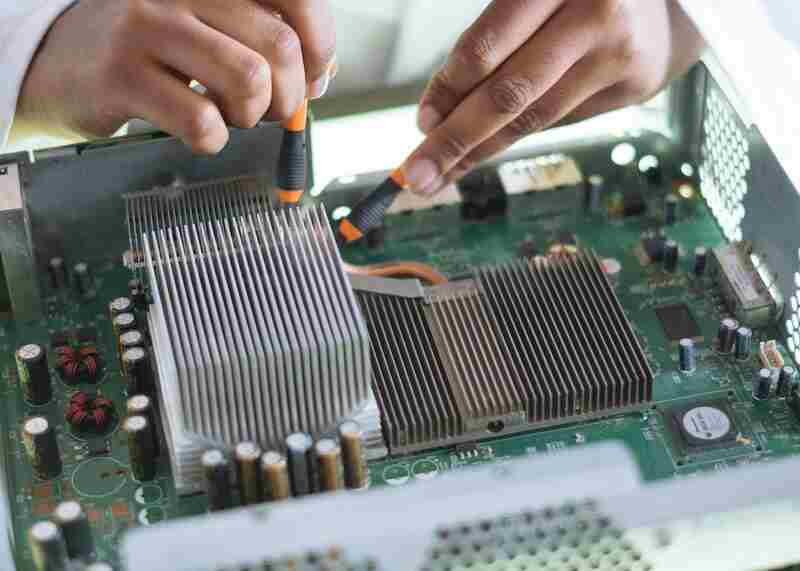
Sydney is a vibrant city in Australia known for its iconic landmarks, such as the Sydney Opera House and the Harbour Bridge. Some common industries in Sydney include finance, tourism, information technology, creative industries, and education. Computers have become vital tools for data management, communication, marketing, research, and design in almost all industries. Without computers, it would be difficult to carry out many tasks, even for a day. Hence, computer repairs in Sydney are readily available. By having access to reliable and reputable computer repair services, individuals and businesses in Sydney can stay up to date with the latest technology and ensure that their computers are functioning optimally.
Ignoring computer problems can lead to data loss and more significant issues that can be expensive to fix. This article will explore ten ways to know whether your computer needs a repair.
- Slow performance: If your computer takes a long time to load or respond to commands, it may be time for a repair. Various issues, such as malware, outdated hardware, or insufficient RAM, can cause slow performance. A technician can diagnose and fix the issue, ensuring your computer runs smoothly.
- Random shutdowns or blue screen errors: If your computer randomly shuts down or displays a blue screen error, it could be due to hardware or software issues. These issues can cause permanent damage to your computer if not addressed quickly. A computer repair technician can run diagnostic tests to identify the problem and recommend the best solution.
- Strange noises: If you hear strange noises from your computer, such as grinding or clicking sounds, it could be a sign of a failing hard drive. Ignoring these noises could lead to permanent data loss. A technician can replace the hard drive and recover any lost data.
- Overheating: This problem can damage your computer’s hardware, causing it to shut down unexpectedly. If your computer is overheating, it could be due to a faulty fan, blocked vents, or dust buildup. You can clean the fans and vents or replace any faulty components to prevent overheating, as suggested by a technician.
- Unresponsive peripherals: If your computer’s peripherals, such as the keyboard, mouse, or printer, are not responding, it could be a sign of software or driver issues. You can seek help to diagnose and fix the problem and ensure your peripherals work correctly.
- Virus or malware infections: Viruses and malware can cause significant damage to your computer, leading to data loss or identity theft. If you suspect that your computer has been infected, it is essential to seek professional help to remove the virus and protect your computer from future attacks.
- Internet connectivity issues: If your computer has trouble connecting to the internet or experiences slow internet speeds, it could be due to faulty hardware or software issues. Professional help to diagnose and fix the problem will ensure your internet connection resumes correctly.
- Blue screen of death: The blue screen of death is a critical error message displayed by Windows when it encounters a severe system error. Various issues, such as hardware failure or driver problems, can cause this error.
- Pop-up ads and suspicious activity: If your computer displays pop-up ads or behaves suspiciously, it could be a sign of adware or spyware. These programs can compromise your computer’s security and lead to data theft. Seek help to rectify this issue.
- Outdated hardware or software: If your computer is running outdated hardware or software, it may not be compatible with the latest programs or applications. This can lead to slow performance, crashes, or other issues. Install new hardware or software to ensure your computer is up-to-date.
In conclusion, computer problems can be frustrating and lead to significant data loss if not addressed promptly. If you’re experiencing any issues with your computer, several reputable companies offer computer repairs in Sydney. They can diagnose and fix the problem, ensuring your computer runs smoothly and preventing further damage. Remember, prevention is better than cure, and regular maintenance and updates can help prevent many of these issues from occurring in the first place.
